

Templates by category
Utility app screenshots that convert
One design. Every store size. Every language. Ready to publish.
Why this category needs its own screenshot story
Utilities win when screenshots show the job done—timer saved, file converted, bill paid—in one glance. Prefer concrete verbs over vague convenience language. Icon-row and before/after templates communicate capabilities fast for distracted users.
Templates matched to this category
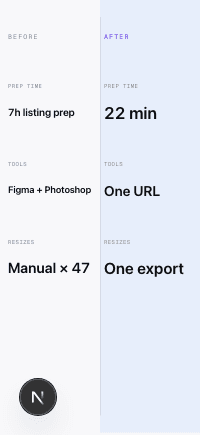
Comparison: Side by Side
Layout Spec sheet
Intent Before→After
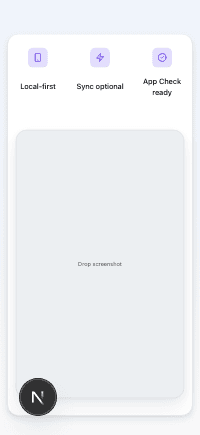
Feature: Icon Row
Layout Tech product page
Intent Utility App
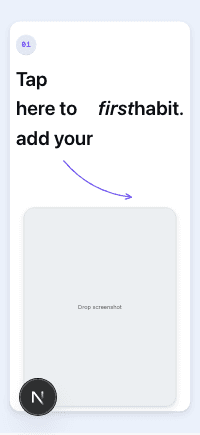
Onboarding: Step + Arrow
Layout Tutorial card
Intent Multi-Screen Feature Flow
Conversion tips for this category
- 1.Put the completed state or measurable save—time, taps, errors avoided—in the first caption.
- 2.Use comparison layouts when you replace manual workflows with automation.
- 3.Show real UI, including permissions-driven states buyers recognize.
- 4.Keep captions short; utility searches skew mobile and fast.
- 5.Verify compliance on fine print and pricing hints; utilities still hit finance-style scrutiny.
- 6.Localize button and label screenshots carefully—expansion breaks tight icon rows.
Ready to ship your App Store listing today?
No Figma. No freelancer briefs. No manual resizing across 47 device sizes. One URL, one click, one compliant export.
Generate your listing