

Templates by category
Productivity app screenshots that convert
One design. Every store size. Every language. Ready to publish.
Why this category needs its own screenshot story
Productivity buyers look for speed, structure, and what the workflow removes from their day. Lead with concrete verbs and named benefits—not “organize effortlessly.” Use feature and narrative templates to show the loop—capture, sort, ship—then validate the first screens against real search previews.
Templates matched to this category
Brand: Logo + Tagline
Layout Identity card
Intent Premium Minimal
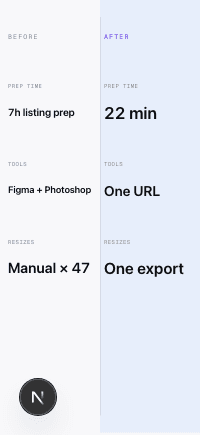
Comparison: Side by Side
Layout Spec sheet
Intent Before→After
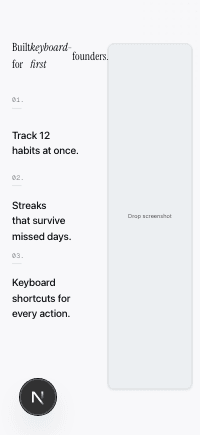
Feature: Bullet List
Layout The Atlantic article
Intent Productivity App
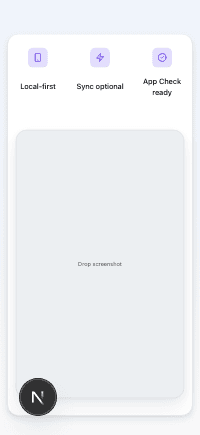
Feature: Icon Row
Layout Tech product page
Intent Productivity App
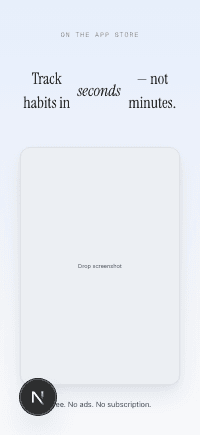
Hero: Centered Headline
Layout Magazine cover
Intent Premium Minimal
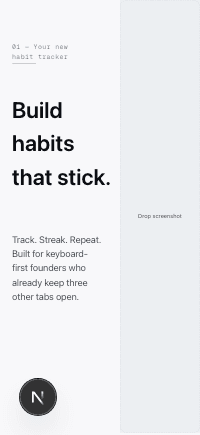
Hero: Split Left
Layout Editorial split
Intent Feature Spotlight
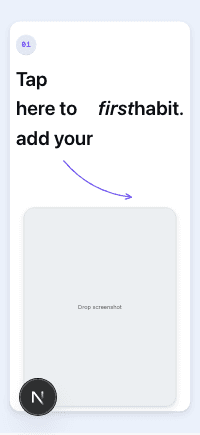
Onboarding: Step + Arrow
Layout Tutorial card
Intent Productivity App
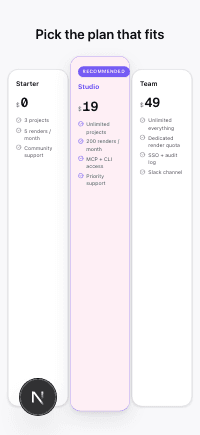
Pricing: Three Tier
Layout Pricing comparison
Intent Feature Spotlight
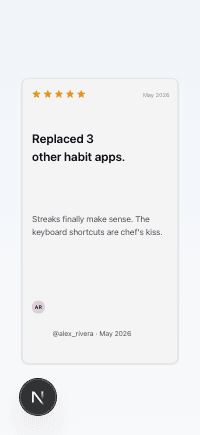
Testimonial: Quote Card
Layout App Store review card
Intent Social Proof
Conversion tips for this category
- 1.Name the workflow you remove—tabs, context switching, manual copy-paste—in the headline slots.
- 2.Front-load frames that still read at thumbnail scale; dense UI disappears in search results.
- 3.Use bullets only when each line states a distinct capability; cut duplicate adjectives.
- 4.Match template intent to how buyers evaluate: spec clarity, lifestyle proof, or tutorial flow.
- 5.Check caption length against App Store search truncation before you lock a long headline.
- 6.Plan localization expansion for settings-heavy UIs; German labels routinely need more room.
Ready to ship your App Store listing today?
No Figma. No freelancer briefs. No manual resizing across 47 device sizes. One URL, one click, one compliant export.
Generate your listing