

Templates by category
AI app screenshots that convert
One design. Every store size. Every language. Ready to publish.
Why this category needs its own screenshot story
AI apps lose installs when screenshots look like generic “magic wand” marketing. Name the model’s job—inputs, outputs, and guardrails where they matter. Treat screenshots as a product demo—prompt, result, iteration—so reviewers and buyers see the workflow, not buzzwords.
Templates matched to this category
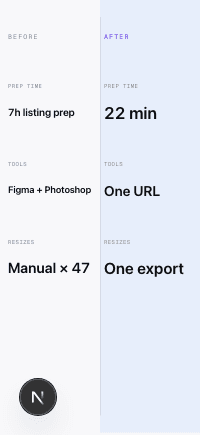
Comparison: Side by Side
Layout Spec sheet
Intent Before→After
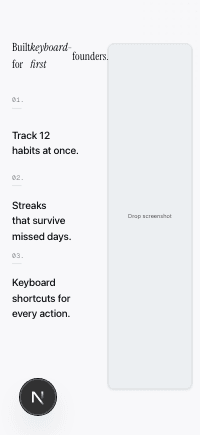
Feature: Bullet List
Layout The Atlantic article
Intent Feature Spotlight
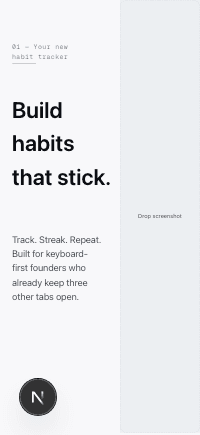
Hero: Split Left
Layout Editorial split
Intent Feature Spotlight
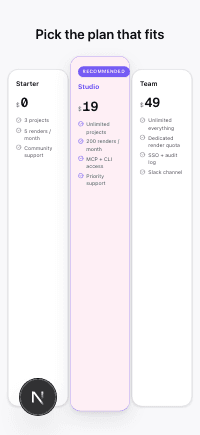
Pricing: Three Tier
Layout Pricing comparison
Intent Feature Spotlight
Conversion tips for this category
- 1.Replace “AI-powered” with the action—summarize, generate, fix, route—and show the real UI state.
- 2.Make screen 1 answer what ships in the first 60 seconds, not your mission statement.
- 3.Sequence onboarding or split layouts so input → output is obvious to skeptical technical buyers.
- 4.Keep risky benchmarks out unless a source in your vault backs them; compliance review beats resubmission.
- 5.Expect longer strings when you translate feature explanations; leave flex in text slots.
- 6.Use comparison or spec layouts when the win is latency, accuracy, or integrations—not vibes.
Ready to ship your App Store listing today?
No Figma. No freelancer briefs. No manual resizing across 47 device sizes. One URL, one click, one compliant export.
Generate your listing